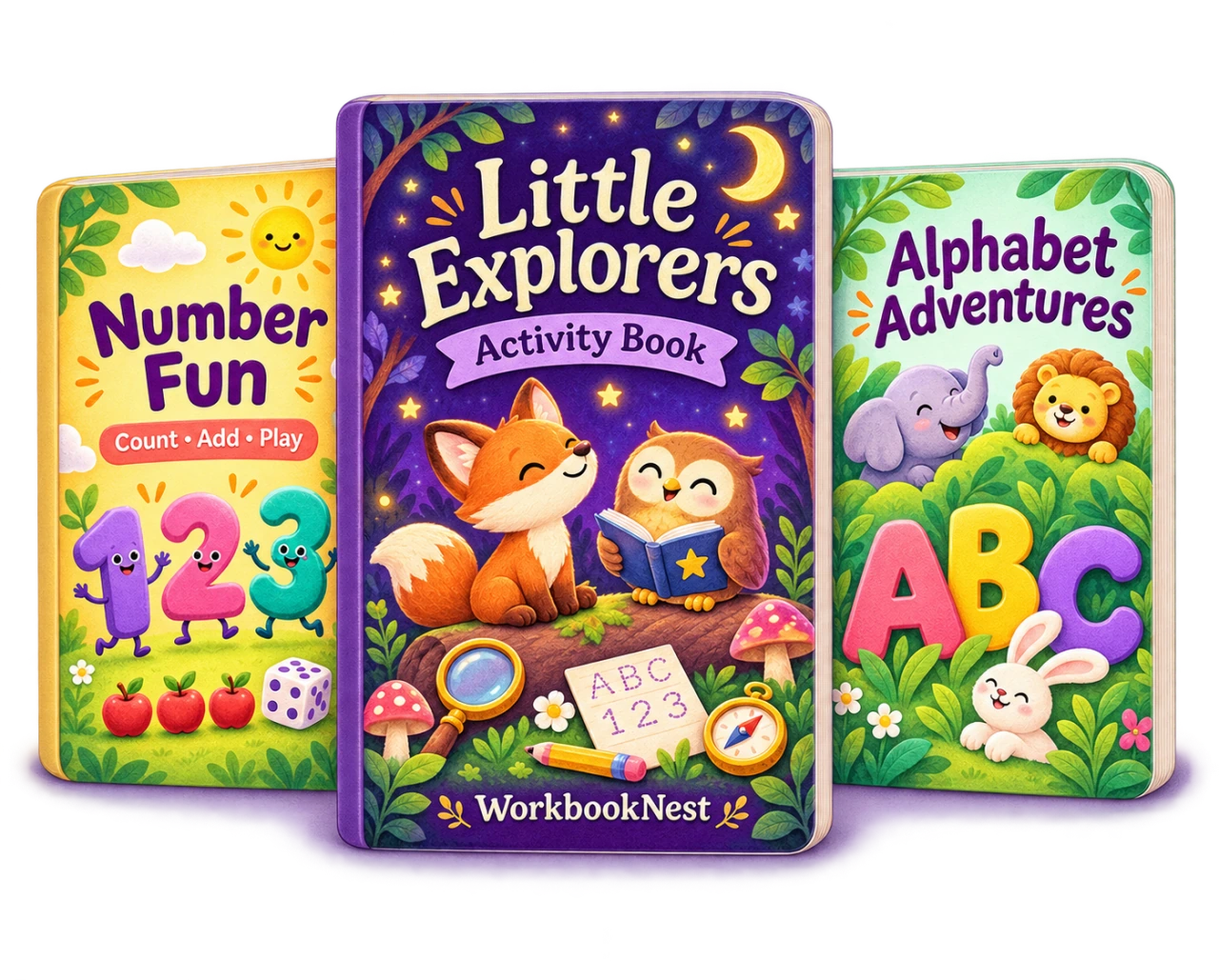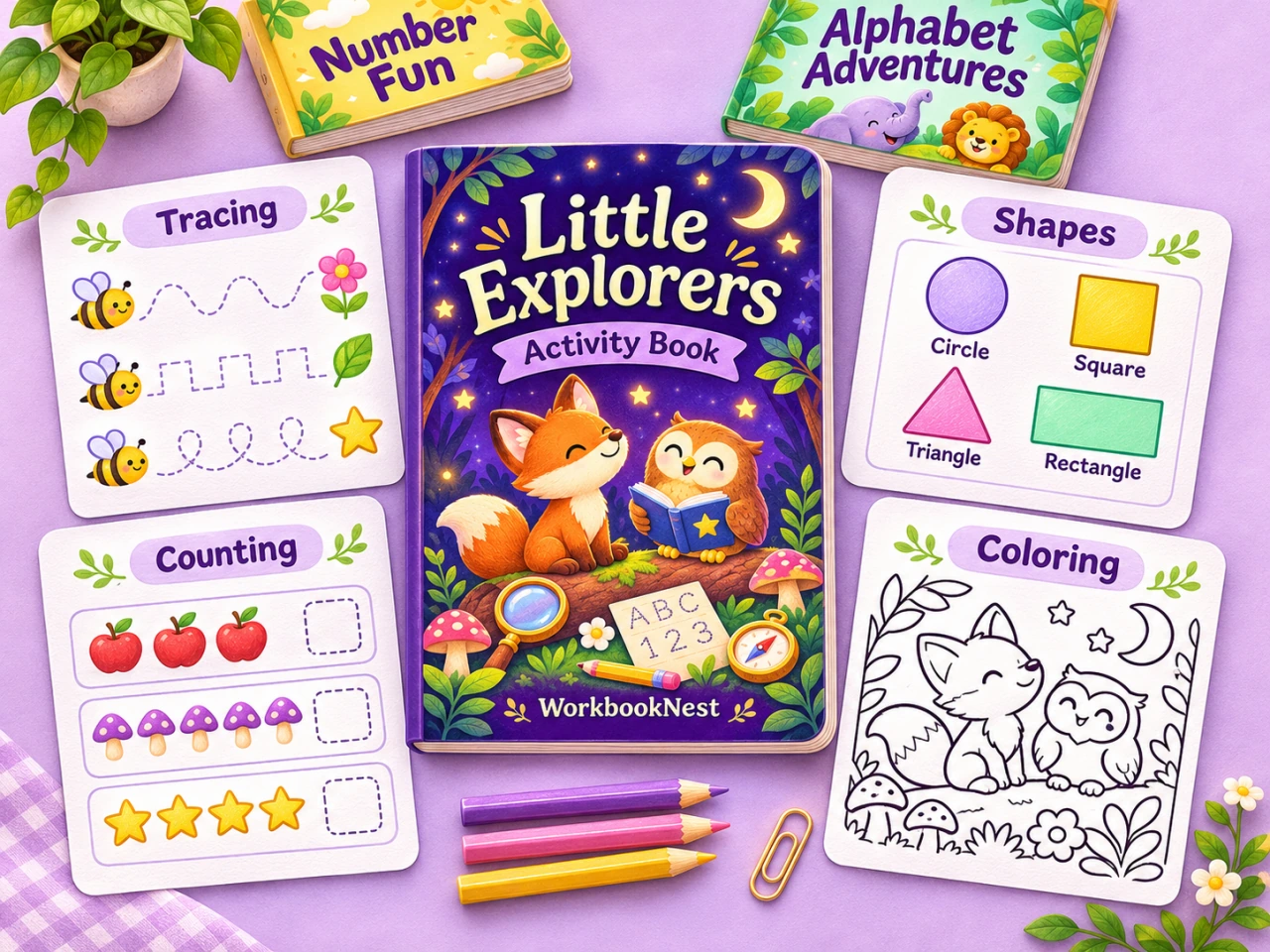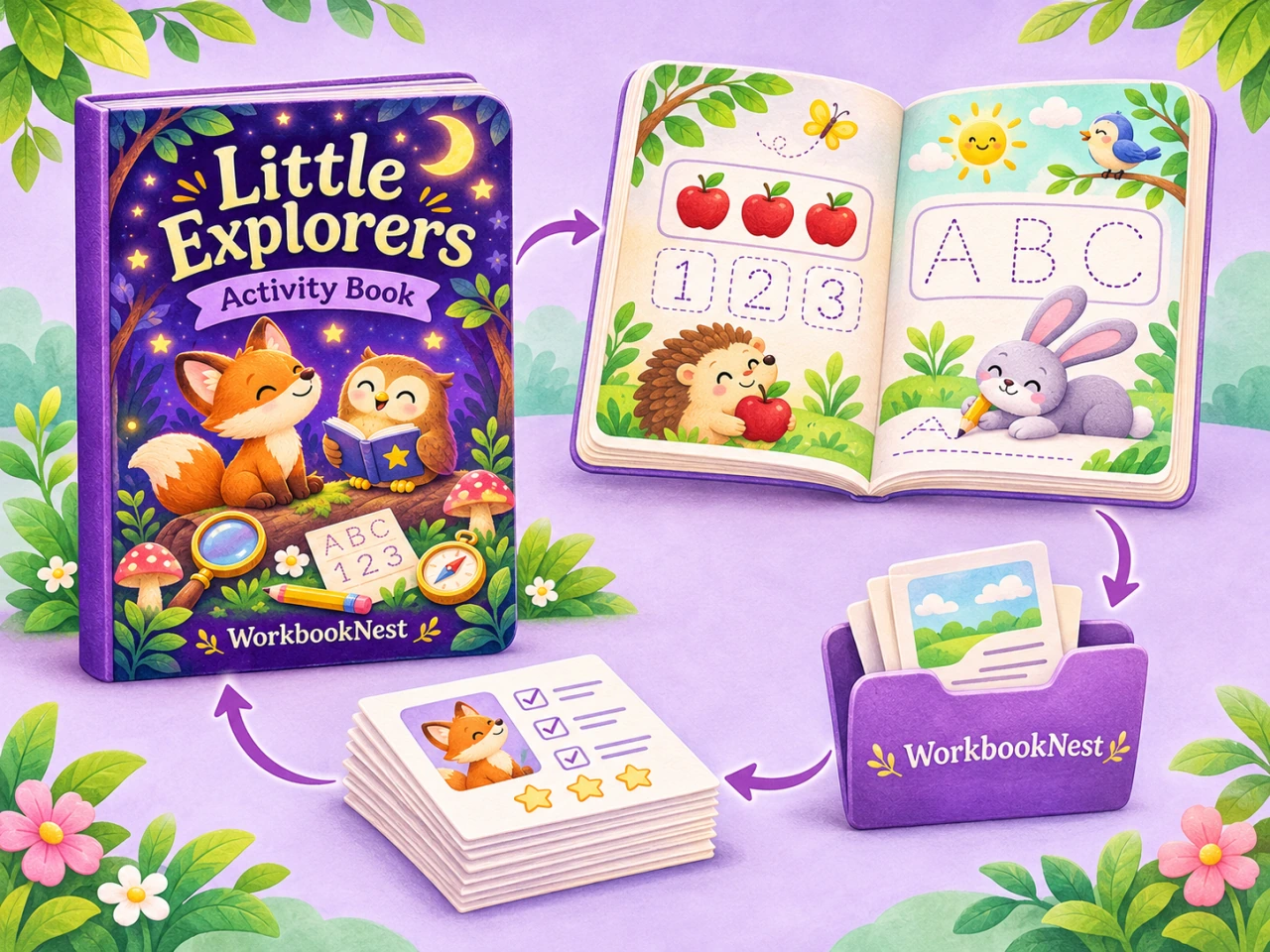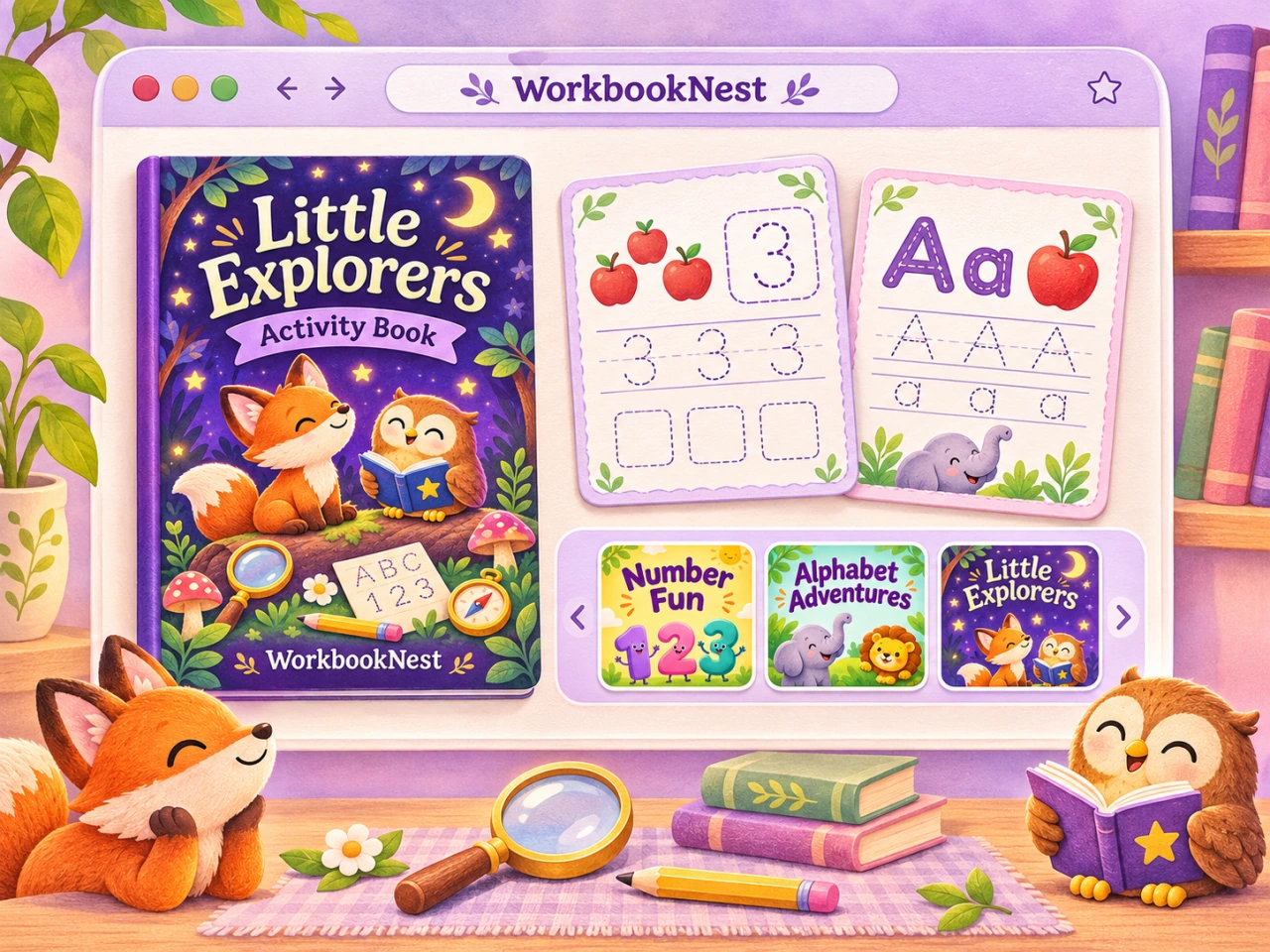
Show buyers the real pages they will receive, with a clear explanation of formats and contents. A helpful listing preview makes a printable pack easier to understand before someone buys it.
Begin with the finished files. Check the activity pages, instructions and answer keys, then choose excerpts that represent the whole pack. Keep the same page designs in your pictures and in the download.
A useful starting point: one overview image, several readable page details, a contents image and a simple explanation of how to download and print.
Show what is inside
Your first image should explain the product at a glance. Choose a few actual pages and give them enough space to be recognizable. A short heading can identify the topic, age range or learning goal without covering the activities.
A dinosaur addition pack, for example, might show one full worksheet beside close-ups of the questions and answers. The picture should help a buyer understand the page style, rather than imply that every page uses the same exercise.
- Show the activity types that are included.
- Make the amount of content clear.
- Show a readable example of the page design.
- State that the product is a digital download.
- Use a consistent style across the listing images.
Choose pages that represent the pack
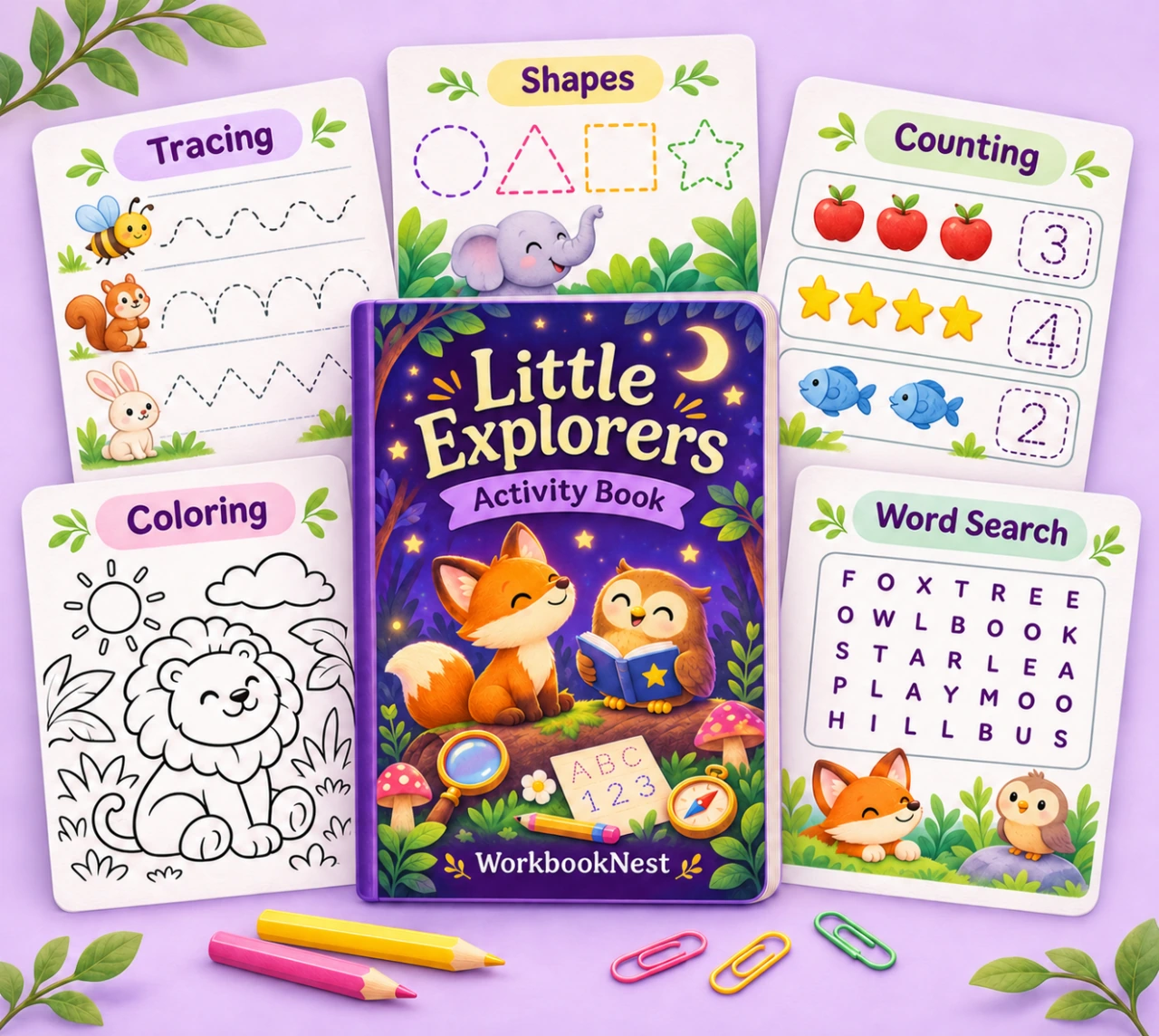
Include a useful range of examples. If a collection has addition, subtraction and word search, show each of those activities. If it includes answers, show a small answer-key example too.
For a longer workbook, an overview can show the range of pages while separate images make the details readable. Avoid shrinking every page into one crowded picture.
Give every listing image a job
Plan the sequence before making the pictures. Each image should answer a different buyer question. Repeating the same cover in several mockups uses space that could explain the product.
| Image | What to show | Buyer question |
|---|---|---|
| Overview | A clear selection of actual pages | What am I buying? |
| Activity detail | A readable example of the questions | Will this suit my learner? |
| Contents | Page count and included activity types | How much is included? |
| Formats | File format and paper sizes | Can I print this? |
| Instructions | Download and printing steps | How do I use it? |
Start with a clear overview
Choose a simple background and leave space around the pages. Use labels sparingly. The main information should remain understandable when the image appears as a small search thumbnail.
Follow with readable details
Show a crop large enough to judge the question text, answer space and illustration style. When a page is part of the product, use its actual content rather than an invented approximation.
Explain the contents
Count the final delivered pages. Separate activity pages, answer pages, covers and instructions so the total is easy to interpret. If paper-size variants contain the same activities, explain that instead of counting them as extra unique exercises.
Make formats and printing clear
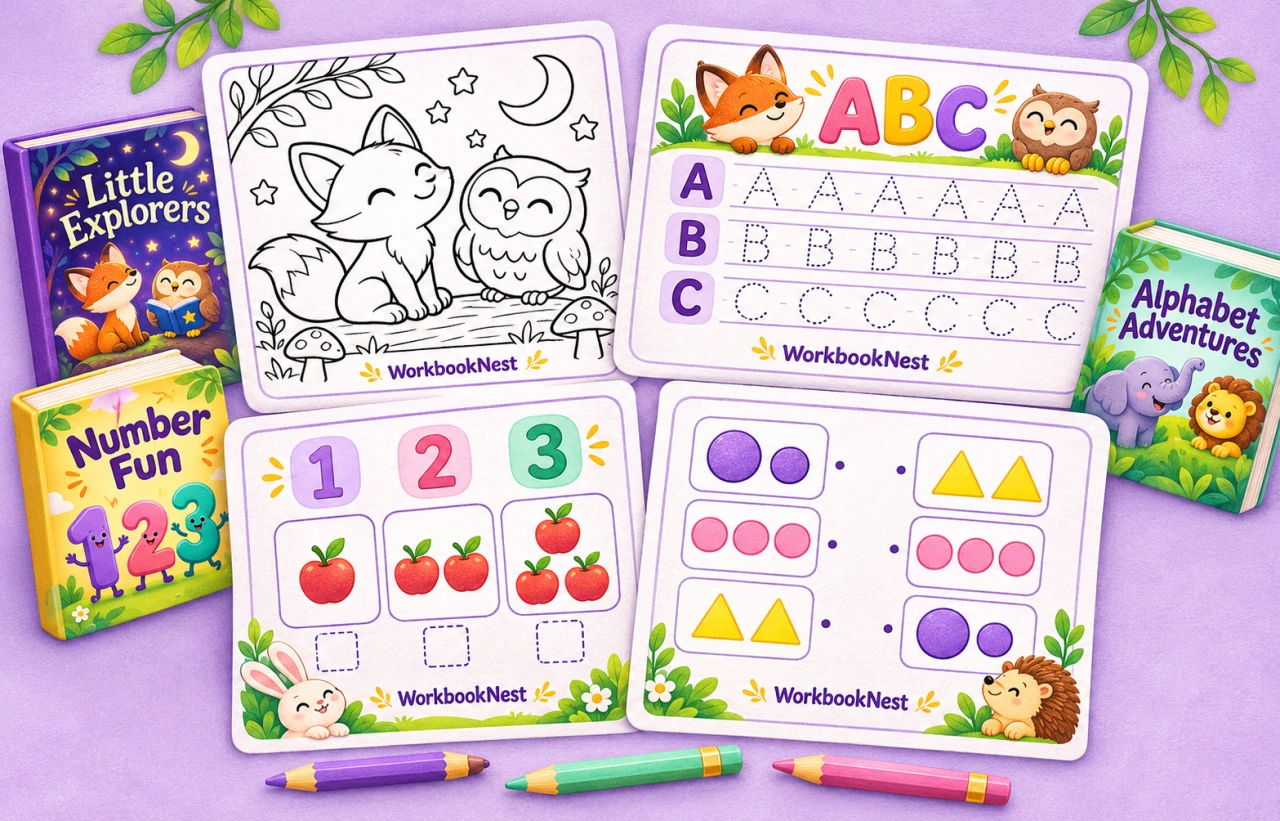
List the file formats and paper sizes that you actually deliver. If you provide both US Letter and A4 versions, name them clearly and show where the buyer can find each version.
Explain whether the pages are color or black and white, whether answers are included, and whether the buyer needs any additional software. Do not describe a flattened PDF as an editable template.
- Use a clear digital-download label.
- State the supported paper sizes.
- Explain which files contain answers.
- Include brief print settings in the buyer instructions.
Package the buyer files
Keep instructions and filenames easy to understand. Etsy limits the number and size of digital files in a listing, so check its current rules before you list.
A small pack might use one activity PDF, one answer PDF and a short readme. A larger collection may use clearly named ZIP files. Open the final package and check that every file works before preparing the listing.
Use filenames that make sense to someone who has never seen your working folders. A name such as Dinosaur-Addition-Letter.pdf is more useful than an internal draft number.
Keep the preview and download in sync
When you change the activities, page count or design, update the listing images too. Export pictures from the same final version that you package for the buyer.
Check every claim in the listing against the download. The included formats, number of activities and answer-key information should agree across the title, description, images and files.
The Studio makes a seller pack with a listing preview image, free. Want a ready-made book to sell? See the shop.
A final check before listing
- Open every delivered file and inspect the pages.
- Check answer keys against their activities.
- Confirm filenames, sizes and contents.
- Review previews at both full size and thumbnail size.
- Confirm that the pictures show the actual download.
- Explain the license and any relevant creation-method disclosures.
Start with one useful activity
Make a page in the Studio, inspect it carefully and think about the picture that would explain it best. Once the page and instructions are clear, use the same approach across a complete collection.